How to add your meals
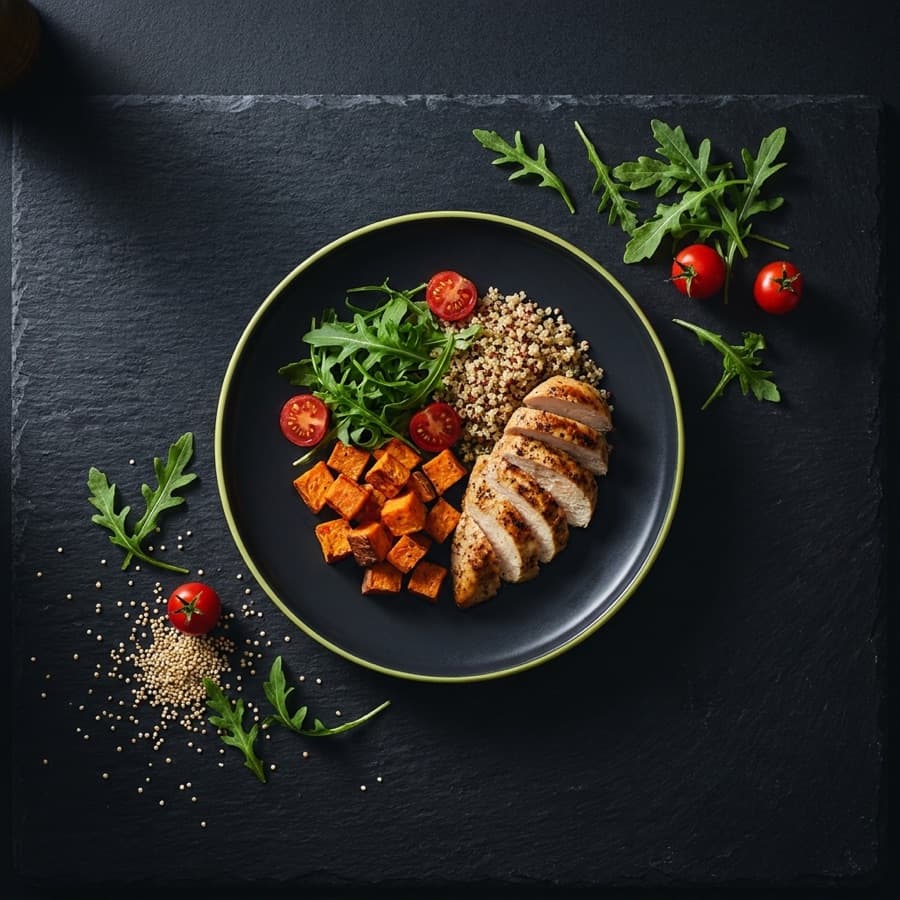
Logging a meal is the one habit the rest of the app is built on — your daily score, your trends and your blood sugar estimates all come from it. There are five ways in, so pick whichever is fastest in the moment.
Open the Diary tab
Tap DIARY in the bottom bar, then find the Meals card for the day you want. You can log against an earlier day by changing the date first — useful when you remember dinner the next morning.
Tap ADD
The green + ADD button sits at the top-right of the Meals card. It opens the five ways to record what you ate.
Choose how to log it
Any of these produces the same result: a meal with calories, macros and an estimated blood sugar impact.
- CAMERAAdd a photo of your meal
- GALLERYPick a photo you already took
- DESCRIBEType out what you ate
- FOOD BANKRe-add a meal you log often
- PREVIOUS DAYRepeat a meal from an earlier day
Check the estimate before you save
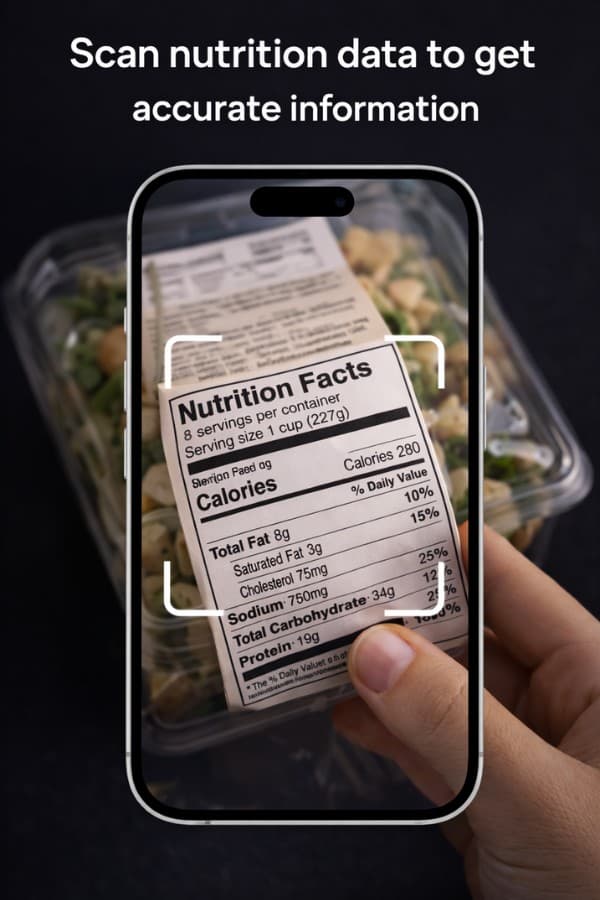
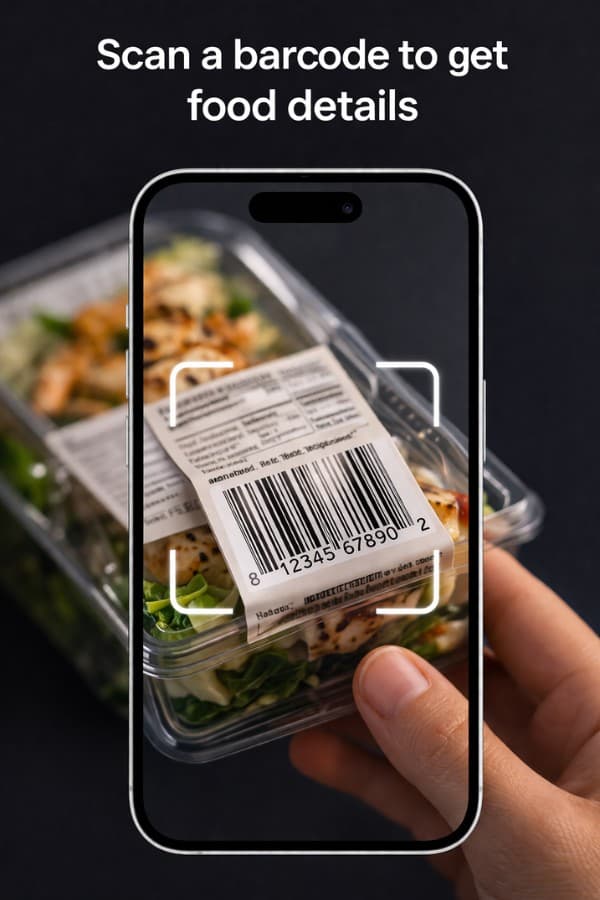
FITXP fills in calories, carbs, protein and a blood sugar impact rating. These are estimates, not measurements — if a portion looks wrong, edit the numbers before saving. Correcting it also makes the record accurate for your own history later.
WORTH KNOWING
- Log as you eat rather than at the end of the day. Recall is the biggest source of error, not the AI.
- A meal you eat every week is worth saving to your Food Bank once — after that it is two taps.
- Text works fine. Most people log by describing the meal, and the estimate is no worse for it.